<img src="https://secure.7-companycompany.com/796681.png" style="display:none;">

PowerPoint at AI speed — with human control

Create, edit, and update charts, tables, slides, and recurring reports faster — powered by AI, connected to Excel, and easy to adjust directly in PowerPoint.

accordion-w-image

Stop formatting. Start impacting.

We free your brightest minds from tedious presentation busywork, allowing them to focus on what truly matters: strategic insights and impactful storytelling.

Streamline your communication workflow, turning hours of manual effort into minutes of impactful, decision-ready presentations.

Give your entire team the tools to create stunning, data-driven presentations with ease, fostering a culture of confident communication.

Maintain a unified, on-brand message across every presentation, every department, every time, effortlessly.

2 x

Efficiency gained

98 %

Retention rate

30 k

Users globally

Bulk create from documents

Build with AI speed

Generate multiple charts, tables and slides, from source documents and Excel data — reducing hours of manual work to seconds.

Get high-quality presentations faster while keeping every slide accurate, editable, and easy to update. 

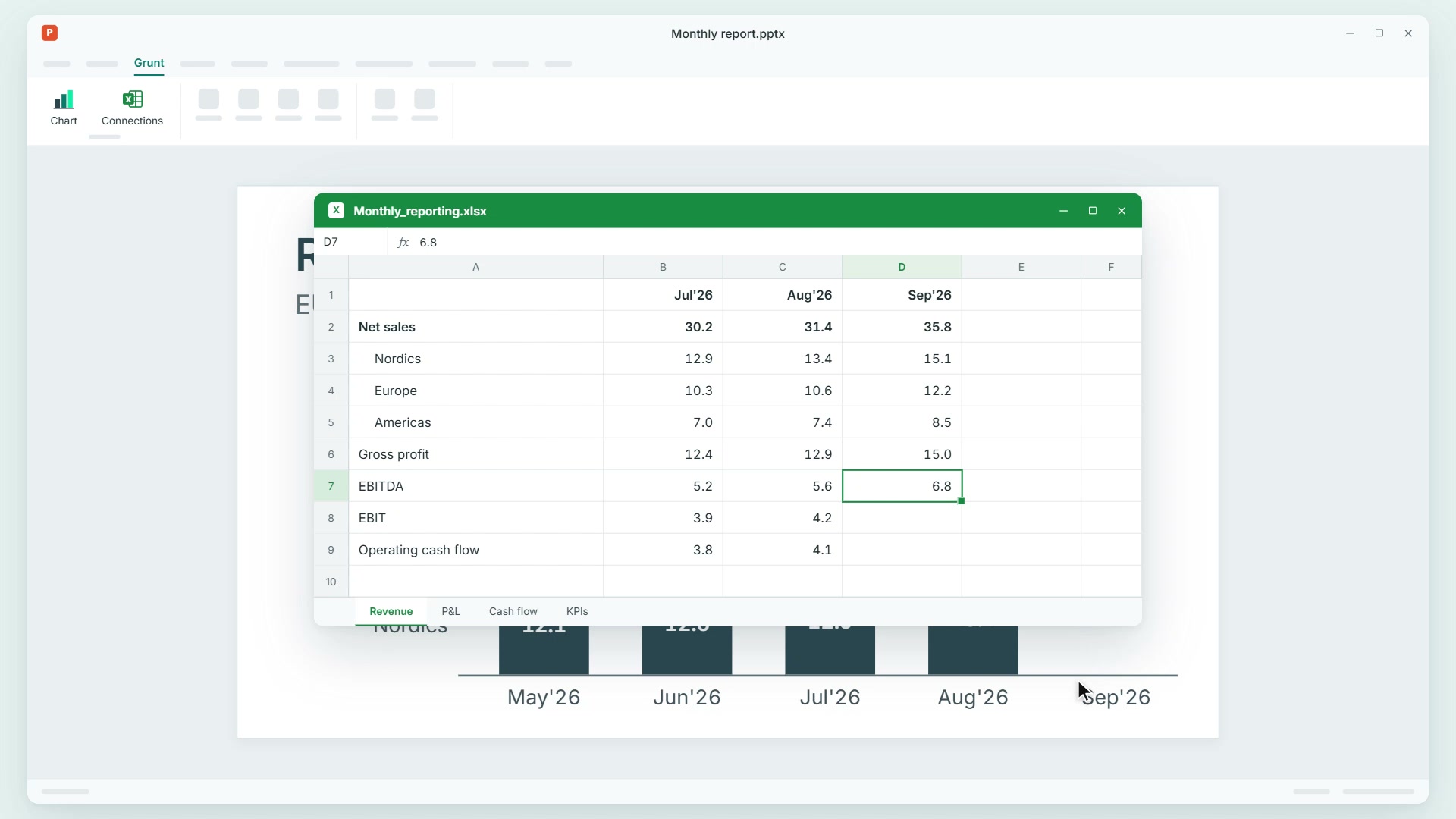
Persistent Excel connections - new

Accurate data, every time

Update linked PowerPoint outputs when Excel numbers change.

Every data-driven object stays connected to the underlying Excel source, making updates fast, reliable and error-free. Your data remains where it belongs, secure and central.

Brand consistency by default (1)

Easy precision edits

Fine-tune charts, tables, layouts, and slides with simple controls inside PowerPoint.

Edit directly on the slide with point-and-click simplicity, and keep every element aligned, consistent and presentation-ready. 

Built for high stakes

2x
98%
500 +
80 +

What our clients say about us

Yathuwaran Raveendranathan

Yathuwaran Raveendranathan

Management Consultant, Sprint Consulting

We have doubled our efficiency in producing visuals and presentations since adopting Grunt. It eliminates hours of manual formatting, so our team can dedicate more time to building clear, compelling narratives that drive decisions.

Read case
VP Strategy

VP Strategy

Nordic food company

Grunt is the best PowerPoint add-on I have used. Its seamless Excel integration, dynamic templates, and smart visualization tools have not only significantly improved our workflow but also elevated the quality of our work across departments. It’s intuitive, powerful, and a true productivity booster.

Mattias

Mattias

CFO Business Partner, TOMRA

With Grunt in our workflow, we have streamlined reporting and boosted the quality of our outputs. It has enabled us to cut down time on formatting and focus more on insights.

HP - module Seamless integration

Seamless integration. Unmatched partnership.

We believe in a smooth transition. Our dedicated team ensures Grunt integrates seamlessly into your existing workflows, empowering your team from day one.

Beyond the software, we provide expert guidance and ongoing support, ensuring you continuously maximize Grunt's value and build complex slides in a fraction of the time. 

Built by consultants who understand your challenges, Grunt evolves with your feedback, ensuring it remains the most relevant, iterative and powerful tool for your strategic needs.

office

Verified data security, built for enterprise standards

Protect your proprietary financial data and maintain compliance within a secure EU/EEA infrastructure aligned with ISO 27001 frameworks. Grunt guarantees zero customer data training for AI features, using continuous vulnerability testing and standardized encryption to protect your work. Focus entirely on your analysis, knowing your data remains strictly confidential.

Innovative tools and infinite possibilities

Explore Grunt's suite of powerful features designed to transform how your team creates, shares, and leverages presentations with precision at your fingertips.

Ready to let Grunt do the grunt work?

Reduce hours of manual charting and slide updates down to seconds. Schedule a brief, focused walkthrough to see how Grunt handles the layout logic while maintaining absolute data accuracy across every presentation.

CTA banner image (5)